How to Save Web Articles to Read Later
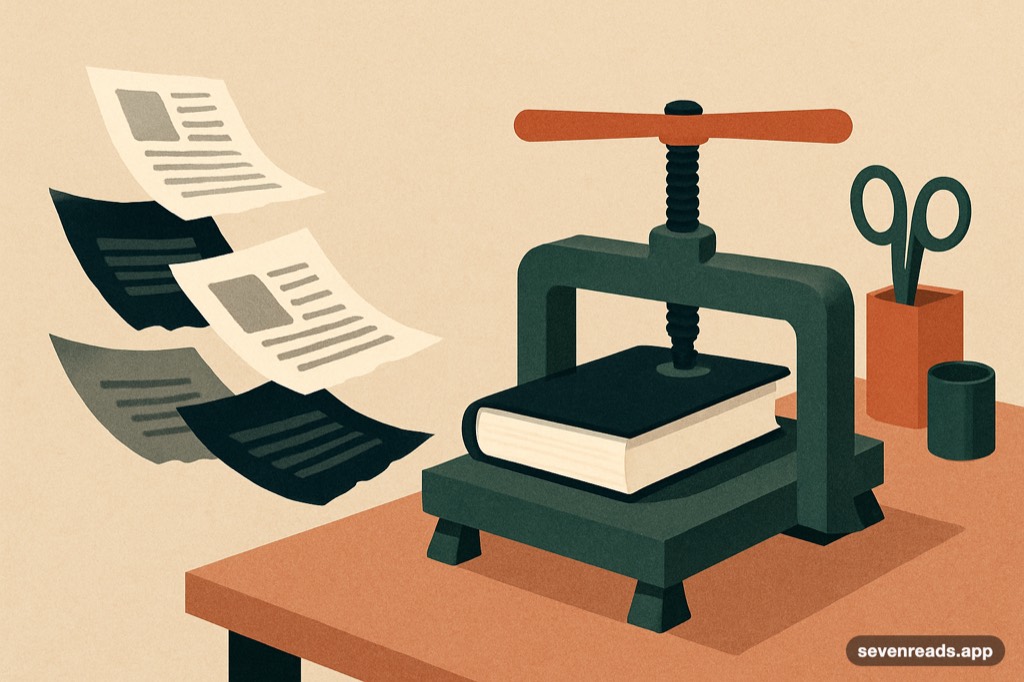
The read-later problem has two halves, and most solutions only attack one: capturing the article (easy — anything can hold a URL) and actually reading it (where tabs, bookmarks and most apps quietly fail, because captured articles stay web pages — cluttered, ad-laden, marooned outside your reading life). The fix that works treats saved articles as what they aspire to be: reading material, extracted clean, shelved with your books, readable with the same tools.
Here's why the common systems fail, what a real one requires, and how library-grade saving changes the read rate.
Save any URL into Seven Reads and it becomes a clean, readable book — highlightable, discussable.
Get Seven ReadsWhy tabs and bookmarks are where articles go to die
The tab graveyard and the bookmark folder fail identically: they store locations, not content. The article stays on a webpage engineered against sustained reading — popups, autoplay, infinite-scroll bait around the text — and behind a link that rots (pages move, paywalls harden, sites die). Worse, locations carry no reading affordances: no position memory, no highlighting, no offline. The result is the universal pattern: capture rates near 100%, read rates near zero, and a browser carrying forty tabs of good intentions.
What a real read-later system requires
Four properties. Extraction: the article's text and images pulled clean out of the page's chrome at save time — which also archives it against link rot and later paywalling. A real reading surface: typography, themes, kept positions — the article rendered like the book-quality text it is. Annotation: highlights and notes that persist and collect, because articles worth saving are worth marking. Presence in your reading life: the decisive one — saved articles shelved where your books live get read in reading time; saved articles in a separate silo become a second guilt pile with better fonts.
The library-grade version
The strongest form of the idea: the saved article becomes a small book. In Seven Reads, pasting a URL extracts the piece into your library — clean text, cover, position sync — where it reads with every book tool attached: highlights that feed your collection, notes on the passage, and the AI companion grounded in the article's text, which turns long-form journalism and essays into discussable reading the way books are. The mental shift matters more than the features: an article you shelved is queued reading; an article you bookmarked is deferred clicking.
Making the queue actually flow
Habits that keep read-later from becoming hoard-forever: save selectively — the queue is a reading list, not a browser history; if you wouldn't put it on a nightstand, don't shelve it. Read articles in the fragments — saved long-form is perfect fragment-time material, sized between feeds and chapters. And prune monthly — anything three months unread was aspiration, not intention; deleting it is honesty. A read-later queue that flows changes your information diet upstream too: knowing good pieces get genuinely read makes you likelier to save essays over hot takes — the system curates backward.
Frequently asked questions
What's the best way to save articles to read later?
A system that extracts the article's content (not just its URL) into a real reading surface with positions, highlights and offline access — ideally shelved alongside your books so it inherits actual reading time rather than a separate silo's guilt.
Why do I never read my saved articles?
Because most systems save locations, not content: the article stays a cluttered webpage behind a rotting link, outside your reading life. Extraction into a book-like reading surface, shelved with your books, is what moves the read rate.
Can I highlight and discuss saved articles like books?
In library-grade systems, yes — Seven Reads turns a pasted URL into clean shelved reading with highlights, notes and a grounded AI companion, exactly as with any book.
Turn the tab graveyard into a shelf.
Paste a URL into Seven Reads and it's a clean little book — kept position, highlights, companion included. The queue finally flows.
Get Seven Reads