How to Read EPUB Files on iPhone
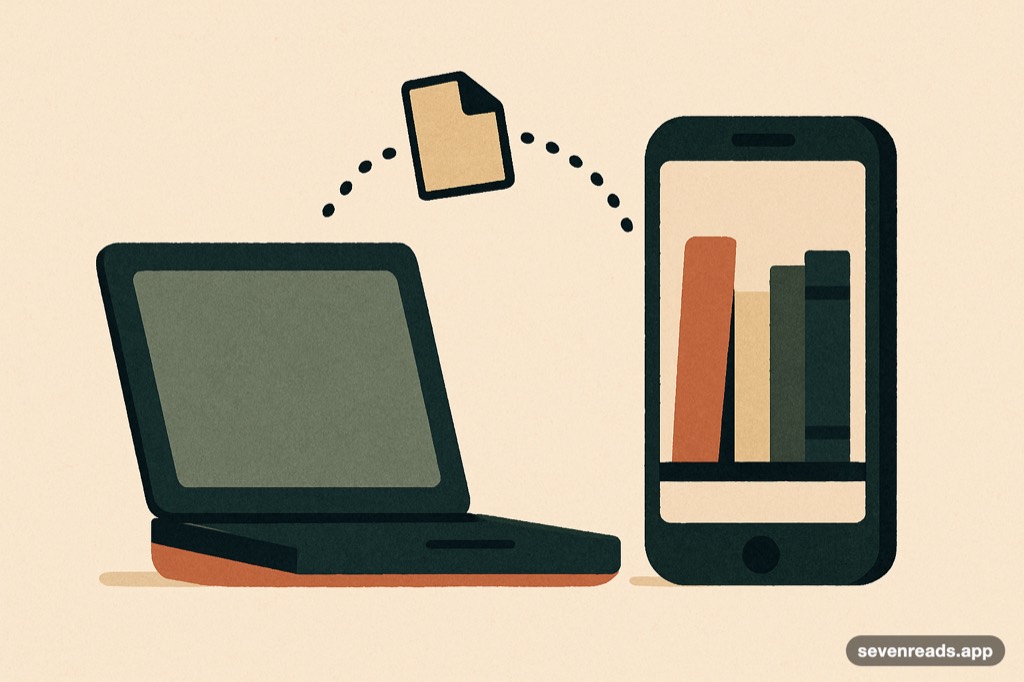
An iPhone opens EPUB files three ways: tap the file and it lands in Apple Books (the default), send it to a reader app you've chosen via the share sheet, or upload it to a reader with its own library in the cloud. All three work in under a minute; they differ in where the book lives afterward and what you can do with it there. The failures people hit — files that won't open, books arriving without covers, DRM refusals — have standard fixes covered below.
Here's each route, step by step, and the troubleshooting table for when a file misbehaves.
Upload any EPUB to Seven Reads and it's shelved, covered and readable in seconds.
Get Seven ReadsRoute one: the default tap
Any EPUB arriving on your iPhone — email attachment, download, AirDrop — opens in Apple Books with a tap: Books is registered as the system handler, imports the file into its library, and there you are, reading. It's the zero-decision route and perfectly serviceable. Its limits appear later: the book now lives inside one ecosystem, and if you want different typography, annotation workflows, or an AI companion, the default was a fork you didn't know you were taking. Nothing is lost — the file can be re-shared — but route two exists because many readers outgrow route one.
Route two: the share sheet
Install the reader you actually want, then: long-press the EPUB (in Files, Mail, Safari downloads — anywhere), choose Share, and pick your reader from the sheet; the app imports the file into its own library. This is the general mechanism for routing any file to any app on iOS, and it works for EPUBs universally — if your reader doesn't appear in the sheet, scroll to the end and check "More," where seldom-used targets hide. From a computer, AirDrop plus the share sheet is the fastest laptop-to-iPhone path there is.
Route three: the upload
Readers with cloud libraries — Seven Reads among them — accept EPUBs by upload from any device: add the book once (from the phone via share sheet, or from any browser on the web version) and it's shelved everywhere you sign in, position synced, cover and title handled automatically. The upload route's advantage compounds with library size and device count: books stop being files you manage and become a library that follows you — plus whatever the reader adds on top; in our case a grounded companion on every uploaded book.
When a file misbehaves
The common failures, decoded. "Won't open" or grey preview: usually a mislabeled file — some downloads are ZIPs or PDFs wearing .epub; check the actual format, and re-download from the source if corrupted (partial downloads are the classic cause). Opens but looks broken: a malformed EPUB — try a different reader (tolerance varies), or run it through a converter to re-generate clean structure. DRM refusal: store-bought books from closed ecosystems open only in their own apps — that's licensing, not a bug, and no legitimate reader can fix it; your DRM-free sources (Project Gutenberg's 50,000+ books, indie stores, humble bundles) travel freely. No cover or garbage title: weak metadata in the file — good readers let you edit, better ones repair it automatically.
Frequently asked questions
How do I open an EPUB file on my iPhone?
Tap it and it opens in Apple Books by default — or long-press, choose Share, and send it to any reader app you've installed. Reader apps with cloud libraries also accept uploads from any device.
Why won't an EPUB open on my iPhone?
Three usual causes: the file is mislabeled or corrupted (re-download), it's malformed (try another reader or convert it), or it carries DRM from a closed store (only that store's app can open it — licensing, not a malfunction).
Where can I get EPUB books for my iPhone legally?
Project Gutenberg offers 50,000+ public-domain EPUBs free; libraries lend via their apps; and DRM-free stores sell files you actually keep. Everything public-domain is also pre-shelved inside Seven Reads.
Skip the file management entirely.
Upload once to Seven Reads — shelved, covered, synced, and discussable, with 50,000+ classics already waiting.
Get Seven Reads